

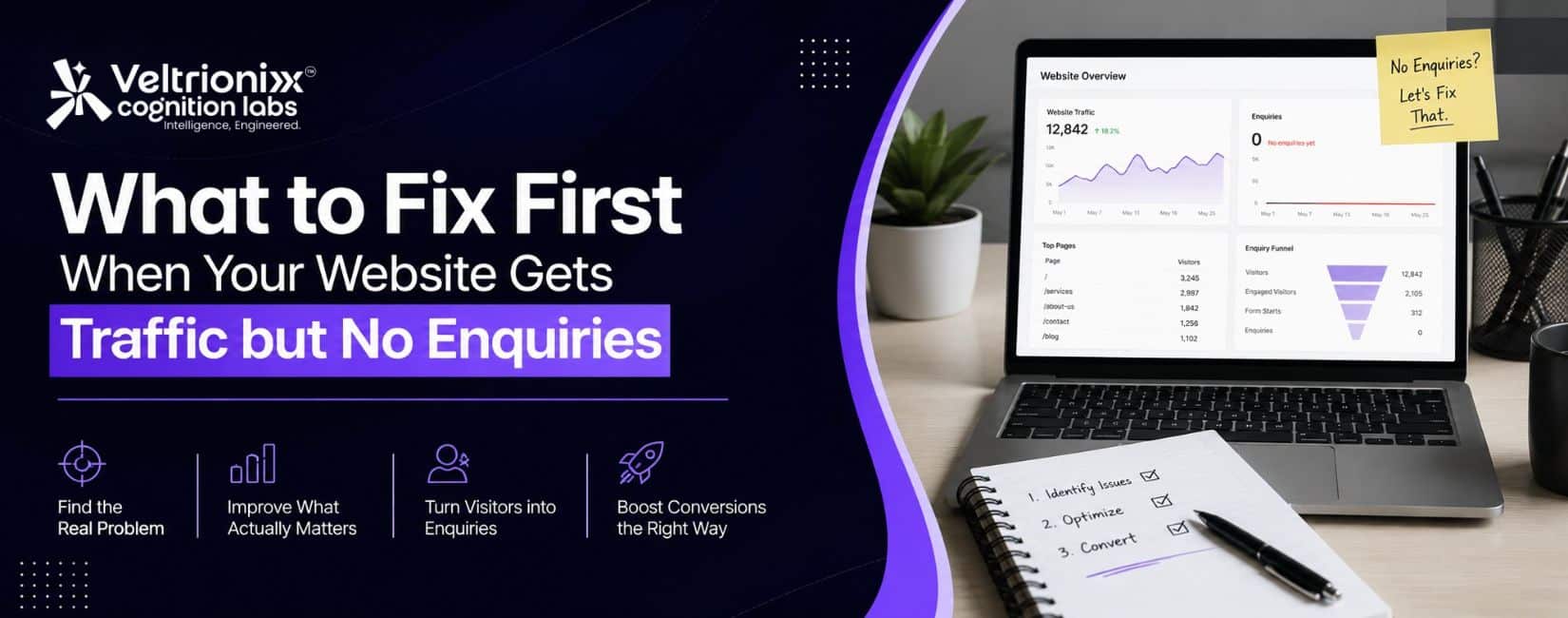
Getting visitors to your website feels like progress. But what if traffic is increasing while your enquiries remain quiet?
This can happen with SEO, Google Ads, social media, or content marketing. The website attracts attention, but something stops visitors from taking the next step.
So, what should you fix first when your website gets traffic but no enquiries?
Start with the click-to-contact journey. Check whether visitors are relevant, the offer is clear, the website builds trust, and contacting you feels easy. Fix the biggest leak before spending more on traffic.
1. Check Whether Your Traffic Is Relevant
More traffic is not automatically better traffic.
Review:
- Search queries and landing pages
- Locations and devices
- Engagement time
- Traffic sources
- Pages with traffic but no enquiries
Someone searching “what is SEO?” has different intent from someone searching “SEO services for small business.” One may be learning; the other may be looking for a provider.
Before changing the website, understand who is arriving.
2. Make Your Offer Clear in Seconds
A visitor should not need to read half the homepage to understand what you do.
Your first screen should answer:
What do you offer? Who is it for? What should I do next?
Avoid vague headlines such as:
“Innovative Solutions for a Better Future.”
Instead:
“Shopify Website Development for Growing E-Commerce Brands.”
Then add one supporting line and a clear CTA.
This also helps paid campaigns keep the ad message consistent with the landing page.
3. Stop Sending Every Visitor to the Homepage
Someone clicking a website-development ad should not land on a page where they must search through unrelated services.
Create focused landing pages for important services, products, and campaigns.
A good landing page should explain:
- The problem you solve
- What you offer
- Who it is for
- What action to take
Your digital marketing solutions for business growth should work with this landing-page strategy instead of operating separately.
4. Make the CTA Easy to Find
One contact button in the navigation is rarely enough. Use clear calls to action such as:
Request a Quote
Book a Consultation
Talk to an Expert
Start Your Project
Match the CTA to the next step. A short enquiry form can use “Request a Quote” rather than “Learn More.”
5. Reduce Friction in Your Enquiry Form
Every extra field can give a visitor a reason to leave.
Ask for what you need at the first stage:
- Name
- Phone or email
- Business name
- Service required
- One useful qualifying question
Test the form on mobile and desktop. Check whether it loads correctly, errors are understandable, and the confirmation message appears.
Test WhatsApp and phone buttons too. A broken CTA can make a strong campaign look like a traffic problem.
6. Give Visitors Reasons to Trust You
A visitor who doesn’t know your business needs proof before sharing contact details.
Useful trust elements include:
- Client logos, where permitted
- Case studies and portfolio examples
- Testimonials
- Certifications
- Clear company information
Avoid unsupported claims such as “best,” “number one,” or “guaranteed results.” Show what you have actually done.
For high-value services, trust can strongly influence the decision to enquire.
7. Fix Mobile Experience and Speed
A website that looks good on desktop can still fail on mobile.
Check:
- Page loading time
- Font size and buttons
- Images and pop-ups
- Form usability
- Menu navigation
Google recommends evaluating overall page experience, including Core Web Vitals, mobile usability, security, and access to the main content. It also notes that page experience is not one single ranking factor or a guarantee of higher rankings.
8. Make Sure Conversion Tracking Works
Sometimes the website is generating enquiries, but your tracking system doesn’t know.
Verify that these actions are recorded:
- Form submission or thank-you page
- Phone or WhatsApp click
- Appointment booking
- Google Ads conversion
- Analytics event
Search Console helps monitor search visibility and indexing, while analytics tools show what visitors do after arriving.
Without reliable tracking, you may pause a useful campaign or keep spending on one that isn’t.
9. Answer Questions People Ask Before Buying
Good service pages should answer the questions that delay enquiries.
Examples:
- How much does the service cost?
- What is included?
- How long does it take?
- Who is it suitable for?
- What happens after I submit an enquiry?
Clear answers can support SEO and newer search experiences. Google says established SEO fundamentals remain relevant for its generative AI features, while useful and original content remains important.
10. Find the Biggest Leak Before Redesigning Everything
You don’t always need a complete website redesign.
Use the data to identify the actual issue.
High bounce: Check traffic quality and the first screen.
Good engagement, no enquiries: Check offer clarity, trust, and CTA placement.
Form starts, few completions: Check form length and usability.
Many enquiries, few sales: Check lead quality, pricing, qualification, and follow-up.
A Practical Fix Order
When your website gets traffic but no enquiries:
1. Relevance — Are the right visitors arriving?
2. Clarity — Do they understand the offer?
3. Trust — Do they have enough proof?
4. CTA — Is the next step obvious?
5. Friction — Is contacting you easy?
6. Experience — Does the site work well on mobile?
7. Tracking — Can you measure what happens after the click?
Final Thoughts
Traffic is only the beginning of the customer journey.
A website can receive organic visits, paid clicks, and social traffic and still produce very few enquiries. Buying more traffic may simply create more visitors who leave.
The better approach is to strengthen what happens after the click.
Make the offer easy to understand. Show evidence. Remove unnecessary steps. Make contact obvious. Test the site on mobile. Then measure what turns a visitor into an enquiry.
Because the most useful website metric is not:
“How many people visited?”
It is:
“How many of the right visitors had a reason to contact us?”